
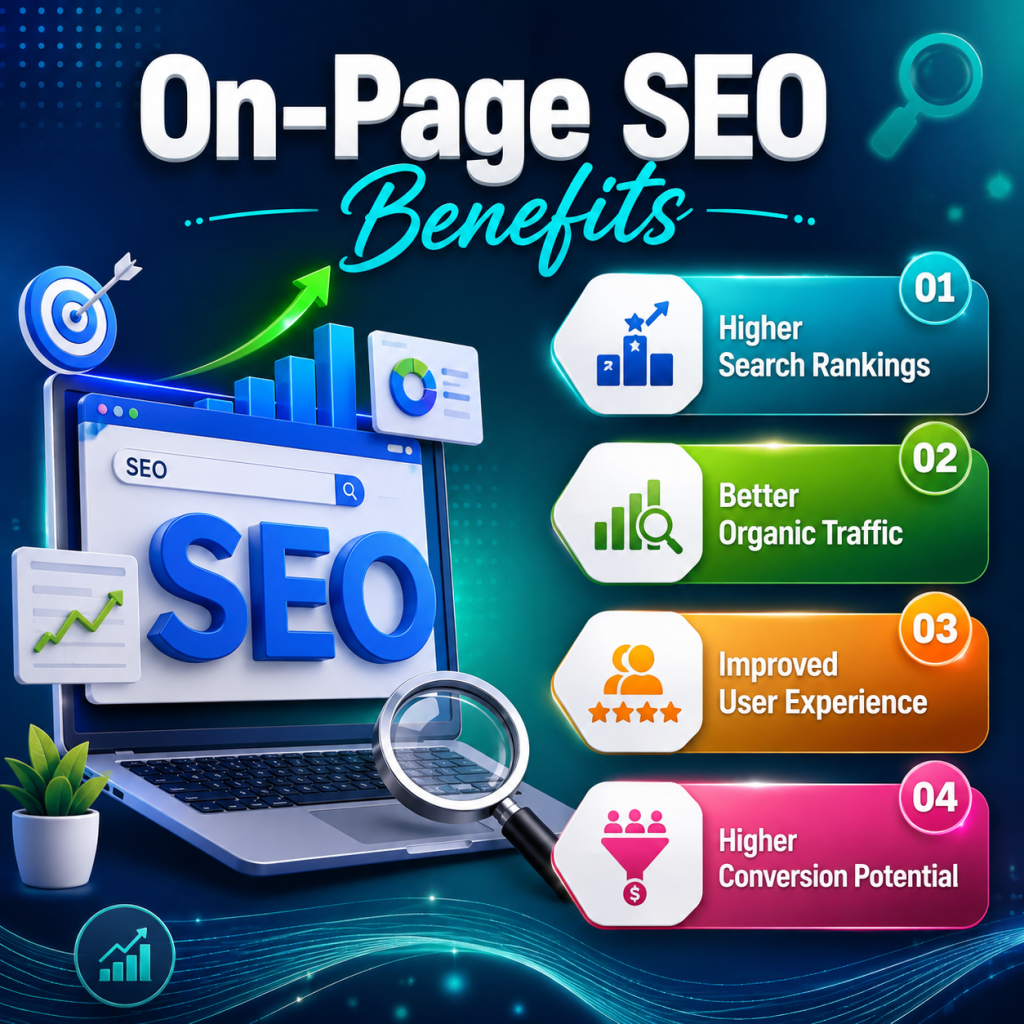
On-Page SEO Benefits
On-Page SEO Benefits Having a website does not automatically mean that people will find it on Google. Your webpages need to be understandable, relevant, useful, and technically accessible to search engines and visitors. This is where On-Page SEO becomes important. On-Page SEO involves optimizing the content and elements of individual webpages to better satisfy user search intent and help search engines understand the page. It includes titles, headings, content, URLs, images, internal links, keyword usage, and other elements that are directly controlled on your website. For a student, business owner, blogger, freelancer, or digital marketer, understanding On-Page SEO benefits can help build a strong foundation for online visibility. What Is On-Page SEO? On-Page SEO is the practice of improving individual webpages so they are more useful to visitors and easier for search engines to understand. For example, suppose you create a page about: “Digital Marketing Course in Khanna.” A properly optimized page could include: Course overview Digital marketing syllabus SEO training Social media marketing Google Ads AI tools Course duration Eligibility Career opportunities FAQs Institute location Contact information Relevant internal links Instead of simply repeating “Digital Marketing Course in Khanna,” the page answers the questions a potential student may actually have. That is the core idea behind helpful On-Page SEO. Why Is On-Page SEO Important? Search engines process enormous amounts of information. They need signals that help them understand: What is this page about?Who is it useful for?What questions does it answer?How does it relate to other pages? Effective On-Page SEO makes these relationships clearer. It can also improve the experience for users by making information easier to find, read, navigate, and understand. 10 Major Benefits of On-Page SEO 1. Helps Search Engines Understand Your Content A properly structured page provides clear context. For example: On-Page SEO Benefits What Is On-Page SEO? Benefits of On-Page SEO Better Organic Visibility Improved User Experience This hierarchy makes the content easier to navigate and understand. 2. Helps Target Relevant Search Queries Keyword research helps you understand what people are searching for. For example, a digital marketing institute may discover searches such as: Digital Marketing Course in Khanna SEO Course in Khanna Digital Marketing Institute near me Best computer institute in Khanna AI course in Khanna These terms can help inform content creation when they genuinely match the page and the user’s intent. Important Tip Don’t create a page simply because a keyword has search volume. First ask: “What information does the person searching this term actually need?” That question leads to better content. 3. Improves User Experience Good SEO should make a webpage easier—not harder—to use. A helpful webpage should have: Short paragraphs Clear headings Useful examples Descriptive links Easy navigation Readable fonts Mobile-friendly design Relevant images Clear calls to action For example, instead of writing one 500-word paragraph, divide the information into meaningful sections. 4. Can Increase Organic Traffic If a webpage becomes relevant for more appropriate search queries, it can potentially receive more organic impressions and clicks. However, On-Page SEO alone doesn’t guarantee higher rankings. Other factors can influence performance, including: Competition Content quality Website authority Technical SEO Links Search intent User experience Search engine algorithms Think of On-Page SEO as the foundation, rather than a guaranteed shortcut to rankings. 5. Improves Content Relevance A strong webpage should cover the main topic and related questions naturally. For example, an article about On-Page SEO could also explain: Title tags Meta descriptions Keywords Search intent Internal links Image SEO URLs Headings Content quality Mobile usability Common SEO mistakes This gives readers a more complete understanding of the subject. 6. Helps Improve Click Potential Your title and search snippet are often the first things a user sees in search results. Compare: Weak:SEO Information Better:On-Page SEO Benefits: Techniques, Checklist & Best Practices The second title clearly communicates what the reader can expect. Don’t use misleading titles simply to increase clicks. The content should deliver what the title promises. 7. Makes Internal Linking More Effective Internal linking connects related pages on your website. For example: On-Page SEO Guide → SEO Course→ Digital Marketing Course→ Keyword Research Guide→ Technical SEO Guide→ Content Marketing Guide This can help visitors discover related resources and help search engines understand the site’s content structure. Internal Linking Tip Don’t use the same generic anchor text such as “click here” everywhere. Use descriptive anchor text when appropriate, such as: Learn more about our Digital Marketing Course in Khanna. 8. Helps Optimize Images Images can improve content when they genuinely help explain a topic. For better image optimization: Use descriptive filenames Instead of: IMG12345.jpg Use: on-page-seo-benefits.jpg Add useful alt text For an informational infographic, something like: alt=”On-Page SEO benefits and optimization checklist” is more meaningful than: alt=”image” Alt text should describe the image’s purpose rather than stuff keywords into it. 9. Supports Mobile Users A large portion of web traffic comes from smartphones. Your webpage should therefore work properly on: Mobile phones Tablets Laptops Desktop computers Check whether: Text is readable Buttons are easy to tap Images fit the screen Navigation works properly Pop-ups don’t interfere with content 10. Creates a Strong SEO Foundation When your webpage has: Useful content + clear structure + relevant keywords + good internal links + optimized media + good usability you create a stronger foundation for other SEO activities. This is why On-Page SEO should generally be addressed before spending significant effort on advanced link-building campaigns. On-Page SEO: Step-by-Step Optimization Process Step 1: Identify Your Target Audience Before selecting keywords, understand who you want to reach. For example: Audience: Students in Khanna interested in digital marketing. Then ask: What are they searching for? What problems do they have? What information do they need before joining? What questions might they ask? Step 2: Perform Keyword Research Use tools such as: Google Keyword Planner Google Search Console Google Trends Semrush Ahrefs Look for relevant topics, search queries, variations, and questions. Don’t focus only on search volume. Consider: Relevance + Intent + Competition + Business Value Step 3: Understand Search …